A Salesforce to HubSpot data migration usually takes 6 to 10 weeks and costs from around €20,000, depending on your custom objects, automation and how clean your data is. Here's which Salesforce data moves easily, what takes work and what to plan for before you talk to anyone, us included.
What does a Salesforce to HubSpot migration involve?
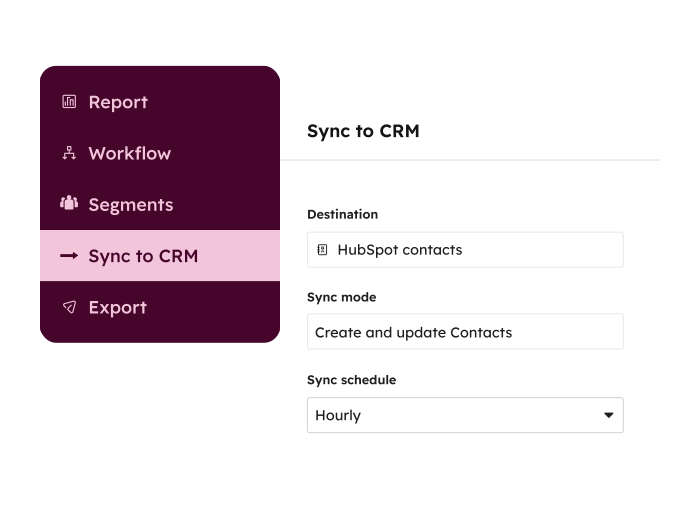
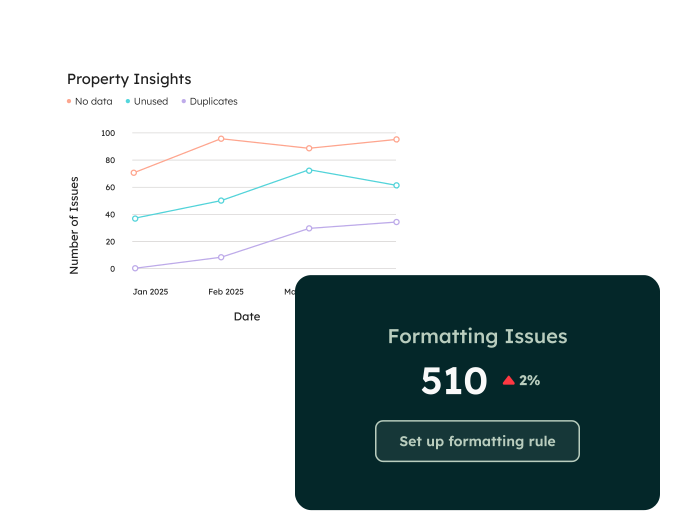
Migrating your data from Salesforce to HubSpot means mapping Salesforce objects, fields and history into HubSpot's data model, cleaning the data on the way and rebuilding the automation that can't be copied. Most Salesforce orgs have grown for years, with fields nobody remembers adding and workflows nobody dares to switch off, so the migration is also the moment to decide which data you actually need.
What's hard about migrating out of Salesforce?
The hardest part is usually custom objects and how they connect to each other. Those connections have to be rebuilt in HubSpot, and that's where a migration can break without anyone noticing, which is why an experienced partner is so valuable here.
History and files need just as much care. Tasks, events, emails and calls have to land on the right contact, company and deal with their original dates, or your timeline stops making sense, and attachments need to move with the records they belong to, which is often what makes a migration take longer.
How much does a Salesforce to HubSpot migration cost and how long does it take?
Most Salesforce data migrations start from around €20,000 and take 6 to 10 weeks. Where yours lands depends on how many custom objects and automations you have, how clean your data is and how many files come with it.

Can you migrate from Salesforce to HubSpot yourself?
In theory, yes, but in practice very few teams manage it. A Salesforce data export and HubSpot's import tools can handle standard objects and clean data, but most Salesforce setups also have custom objects, years of activity history and automation to rebuild. That's where it gets very hard without someone who has done it many times before.
What does a Salesforce to HubSpot migration look like in practice?
Instaffo had a Salesforce setup that had become hard to maintain and a licence deadline coming up. With our guidance, they cleaned their legacy data, rebuilt their CRM around how their sales team actually sells and moved to HubSpot before the deadline, with invoicing to SevDesk automated along the way.
Common questions about moving from Salesforce to HubSpot
Can we keep using Salesforce during the data migration? Yes. Your team keeps working in Salesforce while the full import runs, and anything that changes in the meantime is brought across in a final update just before you switch over.
What happens when the same person exists as both a lead and a contact? Salesforce keeps leads and contacts as separate objects, so the same person often exists twice. We merge them into one HubSpot contact before import, keeping the most recent information from each.
When should we start, given our Salesforce contract? Five to six months before your Salesforce renewal. Even though the migration itself takes 6 to 10 weeks, you'll want time to test and get everyone onboard before the licence runs out.